Just Listed Flyer: What Goes on It and in What Order
just listed flyer: see a clear order for the photo, price, three features, QR code and contact block, plus checks for print and social versions.
By The Realtor Business Bundle by Cosmo Suite · Editorial policy
Published · 8 min read
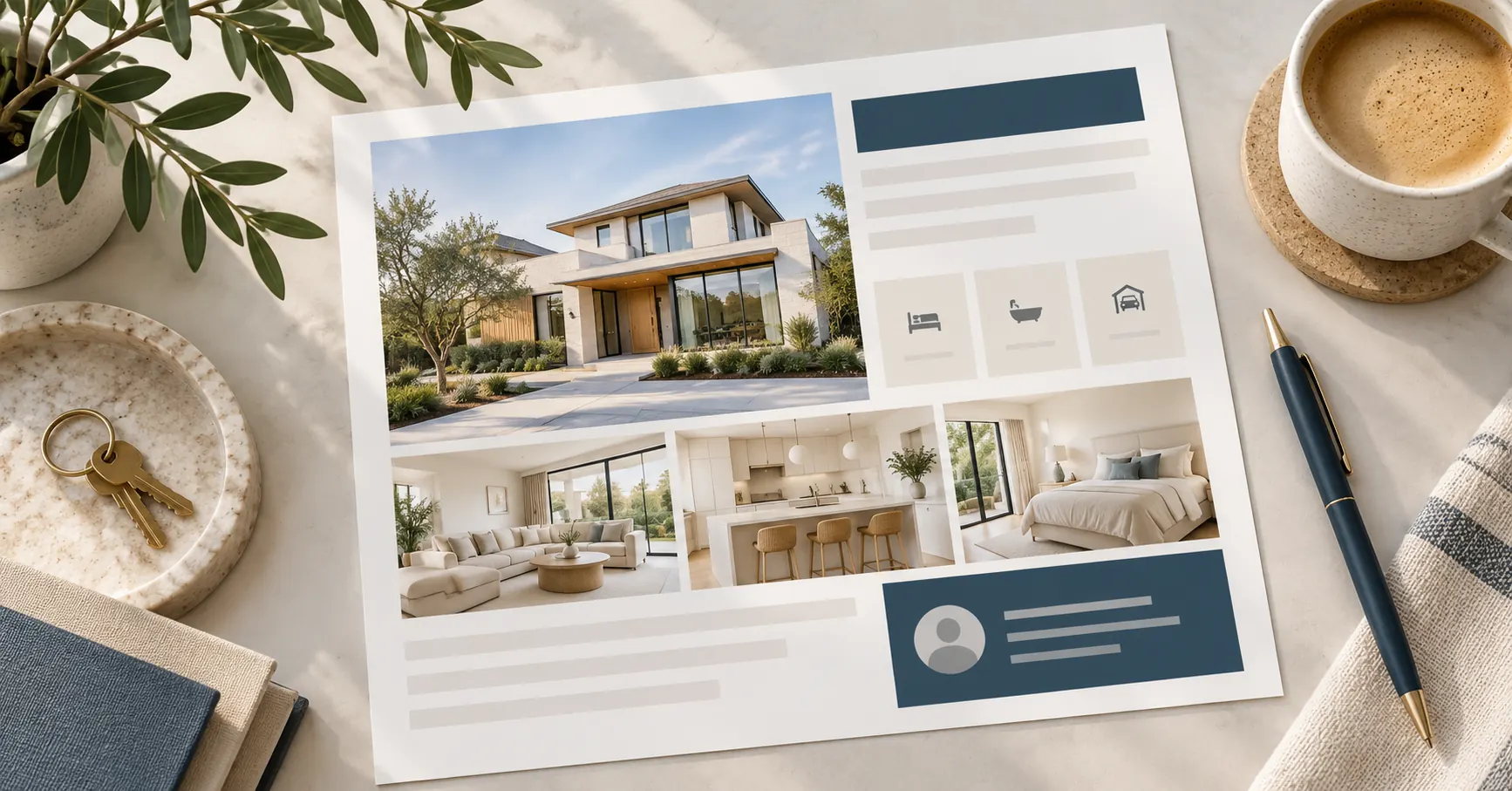
A just listed flyer has a small job: help someone understand which home is for sale, what stands out about it and how to get the full details. Put those answers in a predictable order, then leave enough space for the photo and contact information to read clearly.
The layout below works as a starting point for a print handout or a digital flyer. Replace every placeholder with approved listing information, and check the final file at the size where people will see it. For a broader map of how flyers fit into a listing launch, see the real estate marketing templates for each listing stage. If you want a reusable starting point, The Realtor Listing Bundle has print and social template sets. The illustrations are AI-generated artwork created for this guide.
Key Takeaways
- Lead with the listing status and one approved photo.
- Place the address, current price and a few verified features before the QR code.
- Keep contact details easy to find, then check the file at print or phone size.
What should a just listed flyer include?
A just listed flyer should show the property, its current asking price, a few useful facts and a clear way to request more information. Place these items in a reading order that moves from the property image to the details, then to the next step.
| Order | Flyer element | What to check |
|---|---|---|
| 1 | Just Listed label | The listing status and wording are approved for public use. |
| 2 | Main property photo | You have permission to use it, and it shows the property accurately. |
| 3 | Address and price | Both match the current approved listing information. |
| 4 | Three feature points | Each detail is verified and relevant to this home. |
| 5 | QR code or short link | It opens the current listing page and works on a test scan. |
| 6 | Agent and brokerage contact | The phone, email, name and required firm details are readable. |
This order gives the flyer a simple path: identify the listing, show it, summarize it, then tell the reader what to do next. The marketing templates for one real estate listing use different formats for each stage, while a just listed flyer can stay focused on the launch.
Just listed flyer layout: what goes where
Build from the top down, but group the details so a reader can scan them quickly. Keep the status headline near the top, let the photo take the largest space, and make the price and feature row the first details below it.
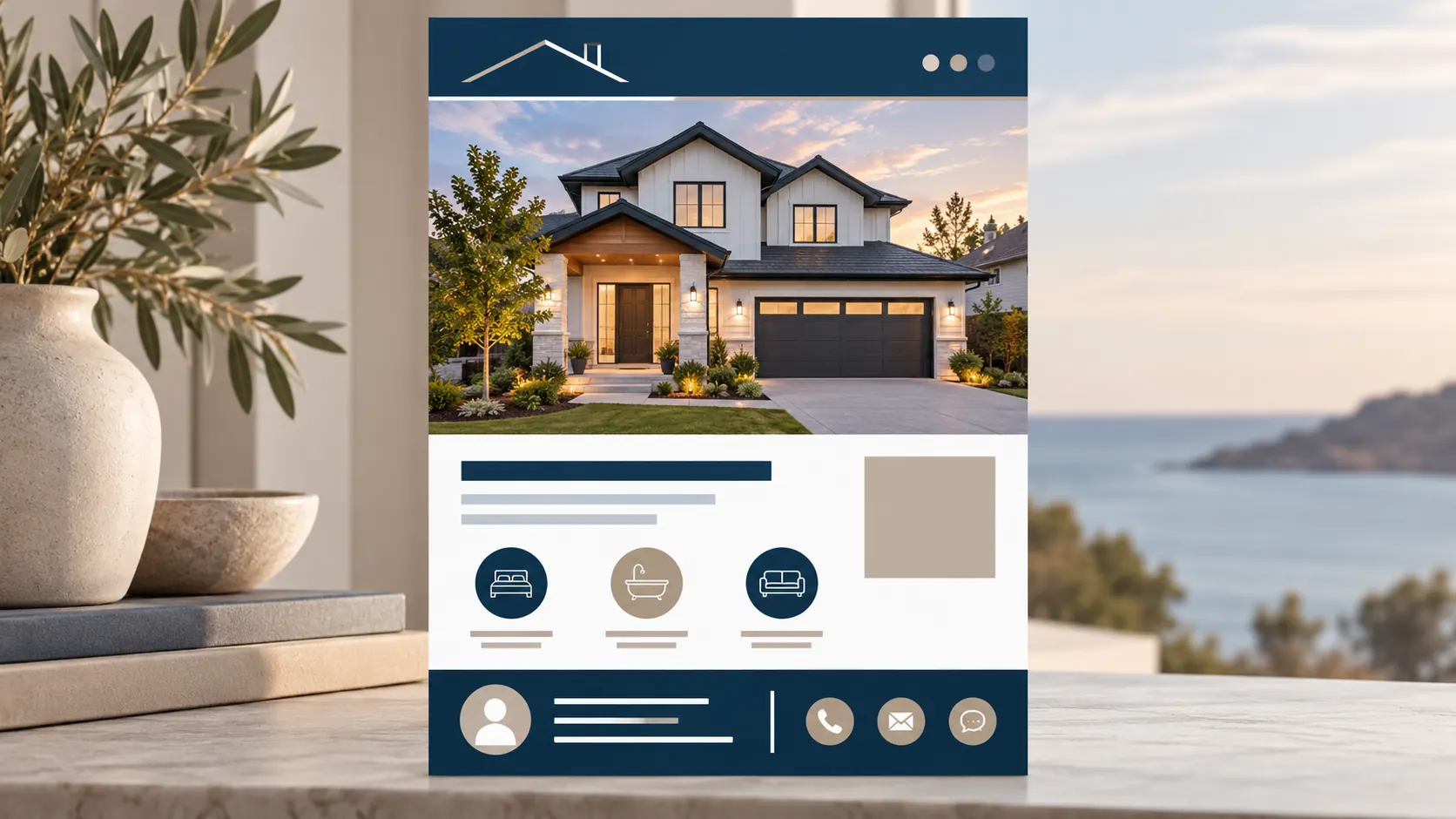
Layout diagram, drawn for this article.
Top: status and identity. Use “Just Listed” as the main label when the wording matches the listing's approved status. Add the agent or brokerage identity in a consistent place. Avoid a second headline that competes with the property.
Main area: one strong photo. Choose a lead image that represents the home honestly. If you use a collage, keep the largest frame for the exterior or another defining view, then use smaller frames for details that matter to a buyer. Do not crop out a visible feature in a way that changes the impression of the property.
Details: address, price and feature row. Put the street address and current asking price close to the photo, where a reader can connect the numbers to the right property. The feature row can hold three concise points, such as a verified room count, a named update or a property feature. Use the listing record as the source for each one. If a value is unknown or the listing source has not confirmed it, leave it out.
Bottom: QR and contact. A QR code can take a reader to a page with additional photos and current information. Place a short instruction beside it, such as “Scan for details,” then add the agent's name and contact method. Keep the web address or phone number visible too, so readers can type the page address or call.
The National Association of REALTORS®' 2026 Code of Ethics says REALTORS® must present a true picture in advertising and communications. Article 12 also requires the firm's name in a reasonable and readily apparent manner in advertisements for real estate services or listed property. Ask your broker which firm, license and other disclosures apply to your material.
Choose photos that earn their space
Use the lead photo to make the property easy to recognize, then add only images that answer a likely question. A living room, kitchen or outdoor area can help a reader picture the layout, but each image should be current, cleared for use and representative of the home.
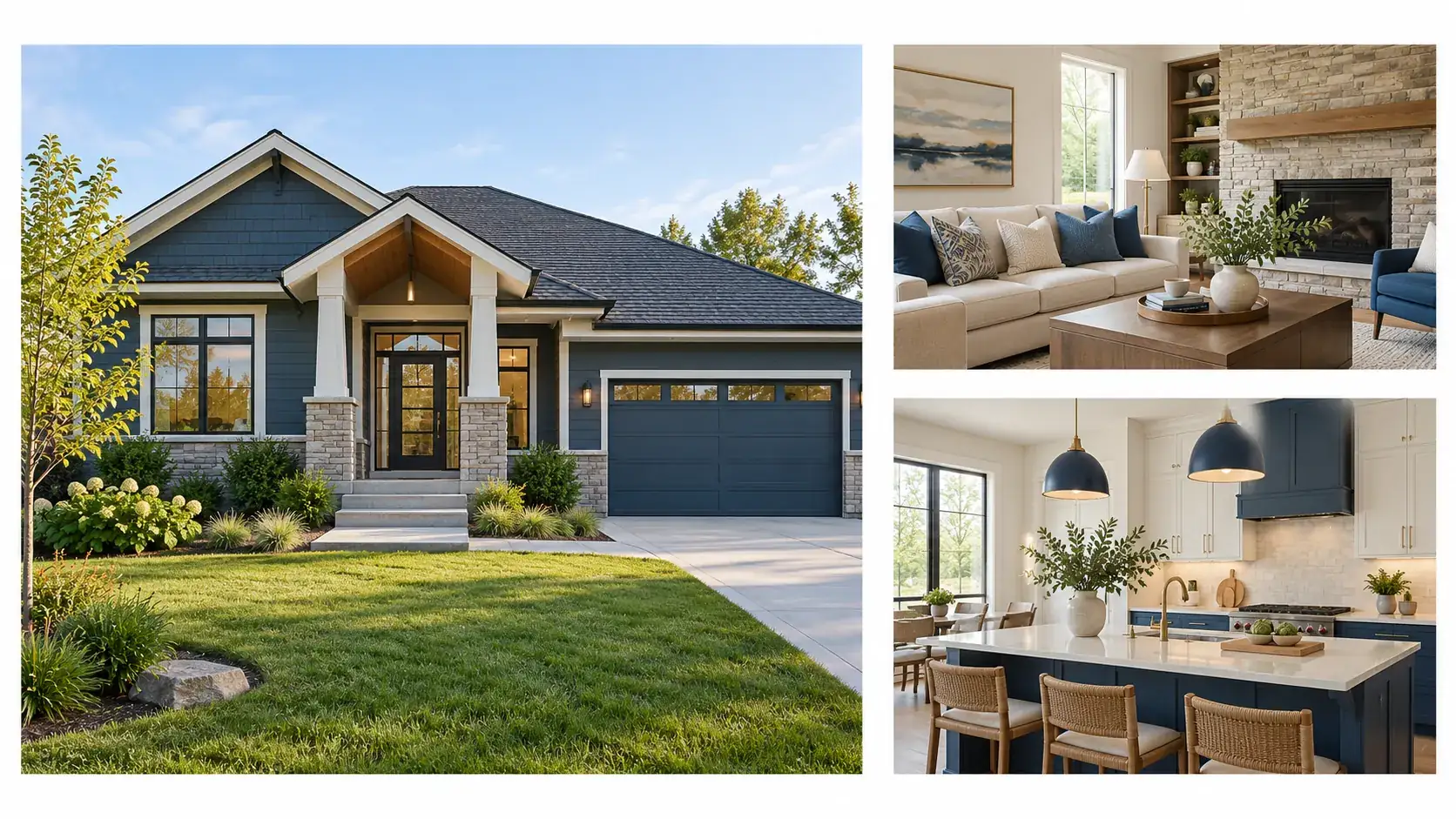
Generic home illustration.
If you have one strong image, build a simple flyer around it. A crowded collage of weak photos makes the page harder to scan. When a second or third image adds useful context, give each one a clear crop and keep the details legible at the final size.
Review the photo against the source file before publishing. Check that the address, view and property details match the listing, and avoid edits that make a room or feature appear materially different. Keep a note of the image source or permission in the listing folder so the next person handling the flyer can verify it.
Write a feature line that stays useful
Choose facts that distinguish this home without turning the flyer into a block of listing copy. A short feature row makes the flyer easier to scan and leaves the full description for the listing page.
Start with details the listing has confirmed. Depending on the property, that could be a room count, a named improvement, an outdoor feature or another specific attribute. Use the exact wording from the approved source when a detail has a formal name. Do not add a superlative such as “best,” “perfect” or “dream home” in place of a fact.
Keep each point brief enough to fit on one line at the final display size. If the flyer becomes crowded, remove the least useful feature instead of shrinking all the text. A reader should be able to scan the price and key details without zooming in or moving the paper closer.
Housing copy needs a careful read as well. 24 CFR § 100.75 addresses discriminatory housing advertisements and specifically includes words, photographs and illustrations. Describe the home and its features, then ask your broker to review any wording or image you are unsure about.
Make the QR and contact block easy to use
Give the QR code enough clear space and test it with the final flyer, not just inside the design editor. A code that works on a large monitor may be too small or too close to other graphics after printing.
Point the code to a stable page that you control or are permitted to share. Check the page on a phone and confirm it shows the correct property, current price and a way to contact the agent. If the listing changes, update the destination or replace the printed code before handing out more copies.
Keep the contact block next to the code or directly below it. Use a readable name and at least one working contact route. If you add a portrait or logo, treat it as supporting identity, not as a substitute for the contact details. Leave space around the phone, email and firm name so the footer does not turn into a dense strip.
Adapt the flyer for print and social
Use the same colours, photo and type style across versions, then rebuild the layout for the format. A printed page and a phone post have different proportions, so resizing a finished design without checking its crop can hide the price, address or contact information.
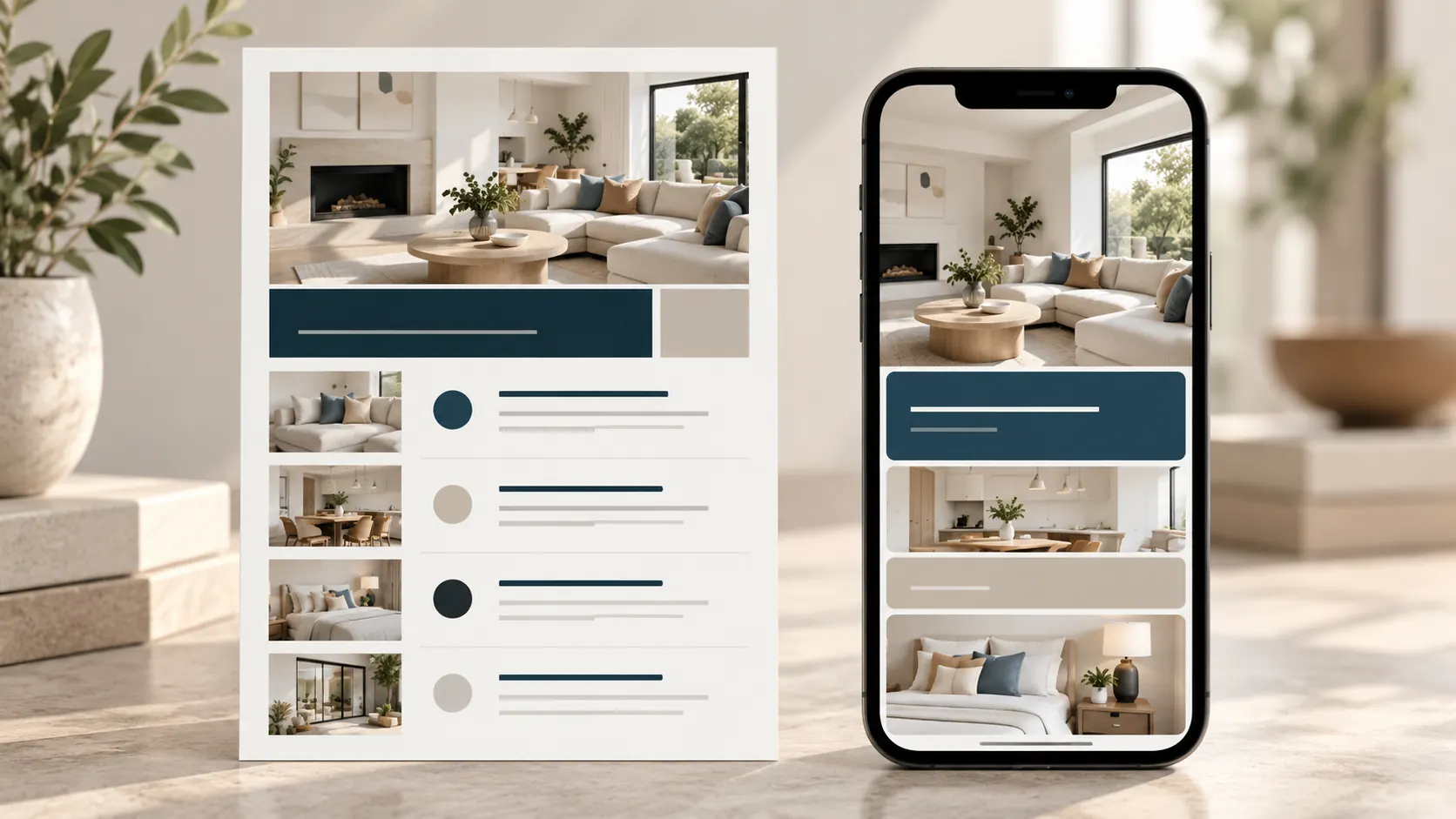
Print and phone layout comparison.
For print, confirm the page size with the printer and keep important text inside the safe area. Canva lists common flyer sizes such as 8.5 by 11 inches, 11 by 17 inches and 5.5 by 8.5 inches in its real estate flyer design guide. The right size depends on where the flyer will be handed out or displayed. Ask the printer about margins, bleed and file settings before exporting.
For a social post, simplify the information. Keep the status, property image, price or strongest verified detail, and one next step. Put the longer description and secondary facts in the caption or linked page. Preview the post on a phone before scheduling it, since desktop editing can make small text look larger than it will on screen. Agents who repeat this work can compare ready-made realtor print and social templates with the formats they use most.
Avoid these just listed flyer mistakes
Most flyer problems come from details that were copied from an older listing or squeezed into a template that does not fit. A short review before export catches many of them.
- Old price or status: compare the flyer with the current listing record just before sharing it.
- Sample text left behind: search every field for placeholder names, dates, addresses and QR links.
- Too many features: keep the points that matter most, then move the rest to the property page.
- Unclear contact details: test the phone, email and QR destination from the exported file.
- Text too small: print a proof or open the file on a phone at its intended size.
- Unapproved image or claim: confirm the photo, description and status with the broker or listing source.
Run a final preflight before you export
Check the just listed flyer against the property record, then inspect a print proof or phone preview. This quick pass helps catch mismatched information before the design leaves the editor.
- Confirm the approved status, address and price.
- Verify each feature against the listing source.
- Confirm image permission and that the photo represents the property accurately.
- Scan the QR code and test the contact details.
- Check firm identity and wording with your brokerage rules.
- Preview the exported file at its final print or screen size.
Keep a copy of the approved final file with the date and source information. If any listing detail changes, check scheduled posts, PDFs and printed copies that may still be in use.
Why trust this article?
This guide is published by The Realtor Listing Bundle by Cosmo Suite. Its product details come from the approved contents record. The illustrations are AI-generated generic scenes and layouts created for this article. The advertising notes link to the National Association of REALTORS®' 2026 Code of Ethics, the current Electronic Code of Federal Regulations and Canva's flyer design guide, checked on October 29, 2026. Brokerage, state and local rules can differ, so confirm requirements with your broker. See the site's editorial policy for how articles are prepared and corrected.
Where The Realtor Listing Bundle fits
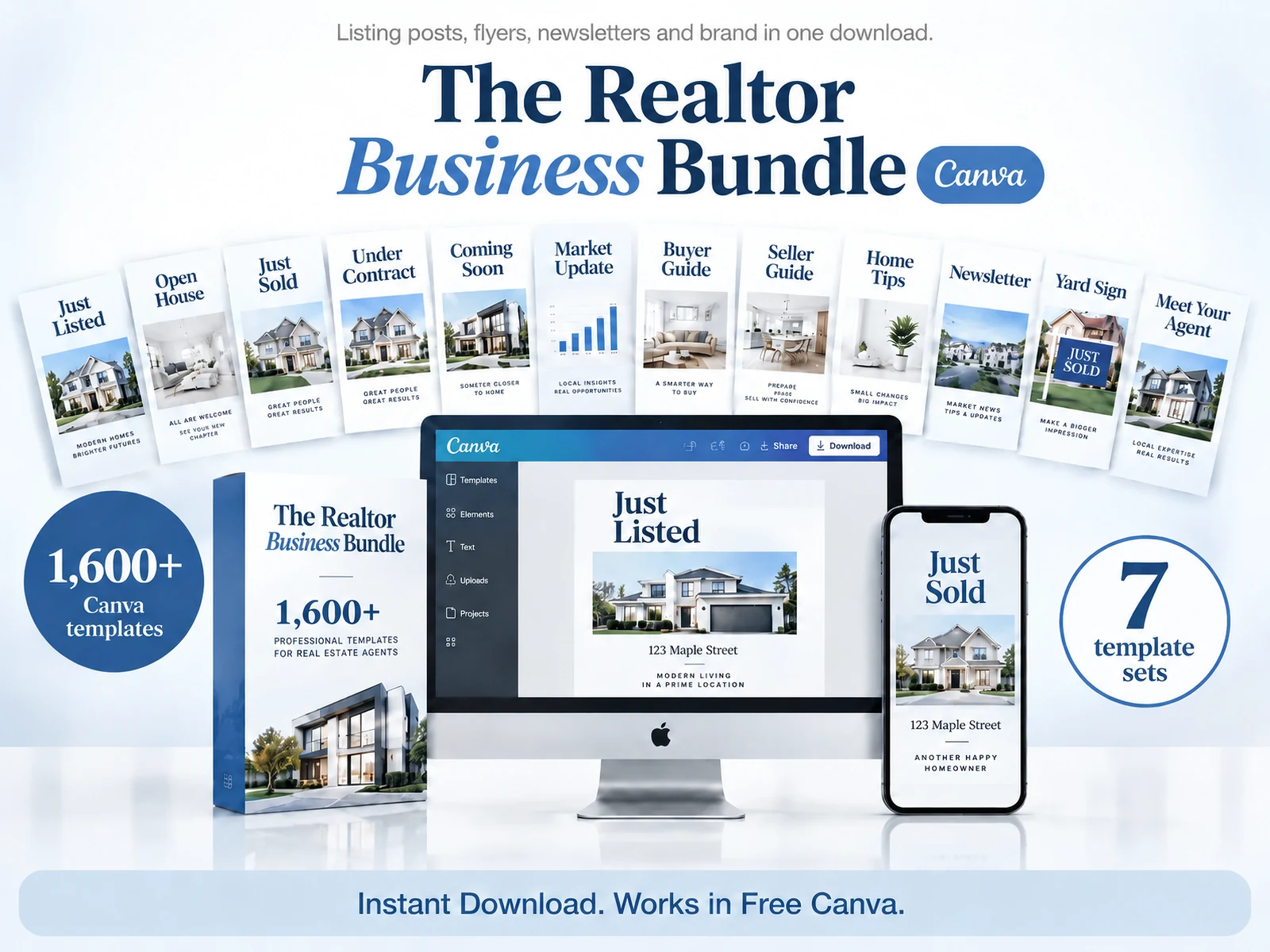
The Realtor Listing Bundle is a $9 one-time Canva download with 1,600+ templates. Its Realtor Print Collection includes 400+ pages, and Real Estate Open House Flyers are listed in the approved contents record. Compare the included formats with the pieces you use in the ready-made realtor print template set.
The flyer still needs listing-specific facts, approved photos and a final accuracy check. Browse The Realtor Listing Bundle's current contents if a reusable set would save you from rebuilding the same layout for each new listing.
Frequently asked questions
What should a just listed flyer include?
Start with a clear Just Listed heading, an approved property photo, the current price and a few verified features. Add the property address, a working QR code or listing link, and the agent's contact details with any required brokerage information.
What order should information appear on a just listed flyer?
Place the Just Listed label and main photo first. Follow with the address and price, then a short feature row. Put the QR code and contact block near the bottom, where readers can find the next step after scanning the property details.
How many features should go on a real estate flyer?
Choose a small set of details that are verified and useful for this property. Three is a practical starting point for a compact feature row, but the listing and layout should decide what earns space.
What size should a just listed flyer be?
Choose the size for its destination. Canva lists common flyer formats including 8.5 by 11 inches, 11 by 17 inches and 5.5 by 8.5 inches. Check your printer's specifications before exporting a print file.
Can I use one flyer design for print and social media?
Keep the same brand colours and photo, then adapt the layout for each format. A full-page print flyer can hold more detail; a social post needs larger text and fewer fields to stay readable on a phone.
Can I add a QR code to a property flyer?
Yes, when it points to a current listing page you are allowed to share. Test the code from a printed proof and a phone screen, and keep the web address or contact details visible for readers who prefer to type or call.
How much does The Realtor Listing Bundle cost?
The Realtor Listing Bundle costs $9 one time and includes 1,600+ Canva templates. The approved contents record lists the Realtor Print Collection and Real Estate Open House Flyers. Check the product page for current contents and download details.