Real Estate Marketing Templates: Every Piece One Listing Needs
real estate marketing templates help match each listing stage to posts, flyers, signs and checklists. See what to prepare and verify before publishing.
By The Realtor Business Bundle by Cosmo Suite · Editorial policy
Published · 8 min read
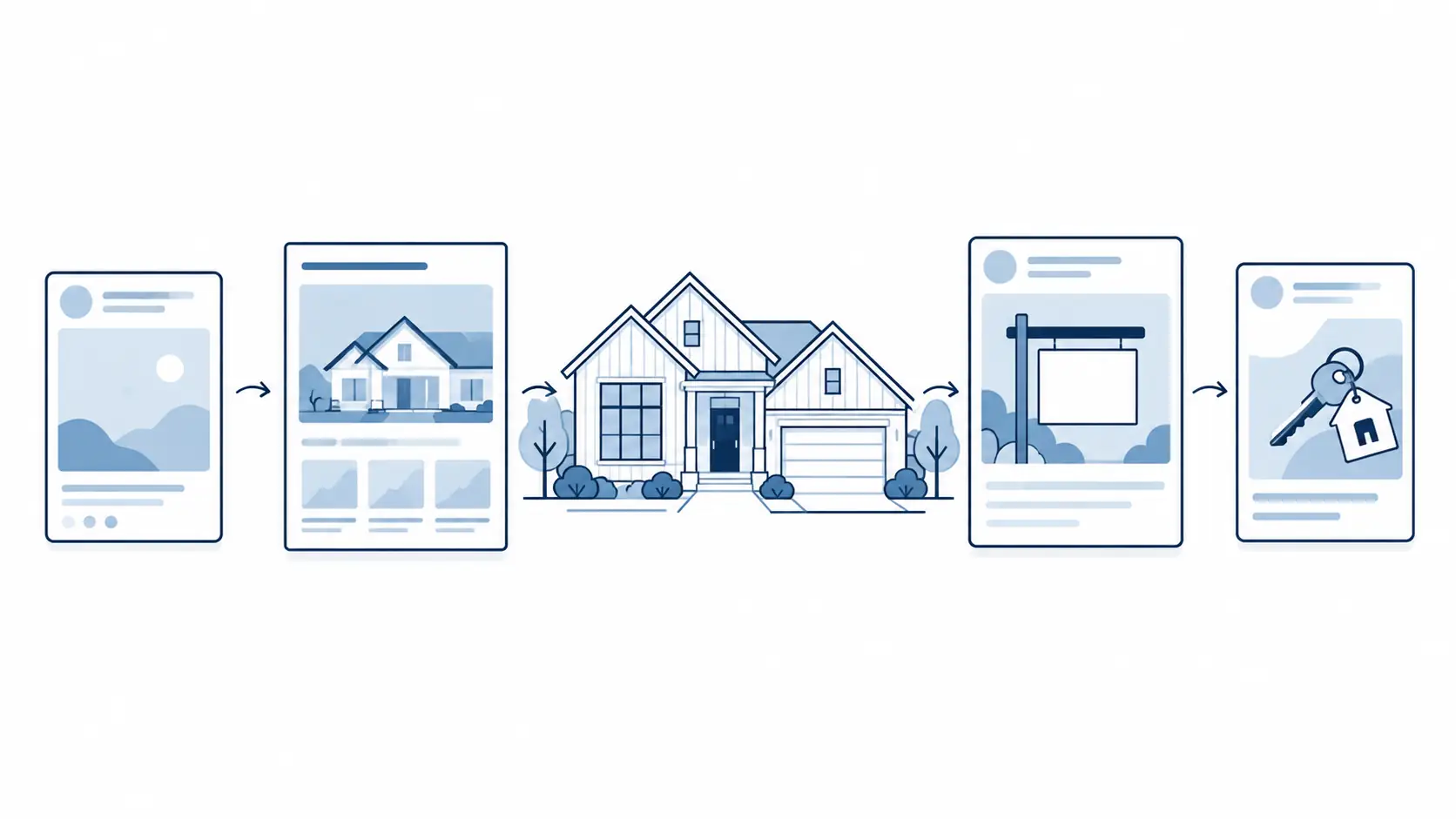
One new listing can create a pile of small design jobs: a teaser, a launch post, an open-house flyer, a sign, a seller update and a closing post. Real estate marketing templates help when they give each piece a clear place in that sequence. They save repeated layout work. You still choose the message and verify the property details.
Before opening a design file, ask what this listing needs next. This guide maps the pieces to the listing moments when they are useful, shows what belongs in each, and explains how to keep the set coherent without turning every post into the same just-listed graphic.
A real estate marketing template is a reusable layout for one message or format, such as a post, flyer or sign.
Key Takeaways
- Match the format to the listing's current stage.
- Keep verified facts in one place and update every asset when they change.
- Check broker, MLS and permission requirements before publishing.
A listing needs a sequence, not a stack of graphics
A listing's marketing materials change as it moves from the first announcement through closing. The agent's job is to keep each piece accurate and useful. A reusable set makes the work easier to plan. The property photo, verified facts and local requirements still come from the specific listing.
Separate property facts from the reusable format. The facts include the address, price, features, showing details and status. The format might be a feed post, story, flyer, sign or checklist. Reuse the layout, then update it with the details for this listing.
Use the sequence below as a planning aid. A seller's preference, brokerage process, property type or local rule may change the order. For an overview of how these formats can be grouped, browse the real estate marketing templates made for one listing.
At a glance: match the template to the listing moment
Use this table to decide what to prepare first. The “check before publishing” column catches the details that can go stale or need approval.
| Listing moment | Useful formats | Main job | Check before publishing |
|---|---|---|---|
| Coming soon | Teaser post or story | Signal that more information is coming | Broker and MLS rules; approved timing and details |
| Just listed | Feed post, story, flyer | Share verified property facts | Price, address, features, photo rights and contact details |
| Open house | Invitation post, story, flyer or sign | Make the time and place easy to find | Date, hours, entry details and any sign restrictions |
| Under contract or pending | Status post or seller update | Share the change without implying more than is confirmed | Exact status and seller approval |
| Just sold | Closing post, postcard or newsletter item | Mark the close and, if appropriate, thank the parties | Closing confirmation, permissions and brokerage policy |
Keep the listing facts together in one current reference. When a price or status changes, update it first, then check every scheduled or printed item that uses the old detail. That keeps yesterday's information out of a story highlight or a stack of flyers.
Coming soon and just listed: separate the preview from the launch
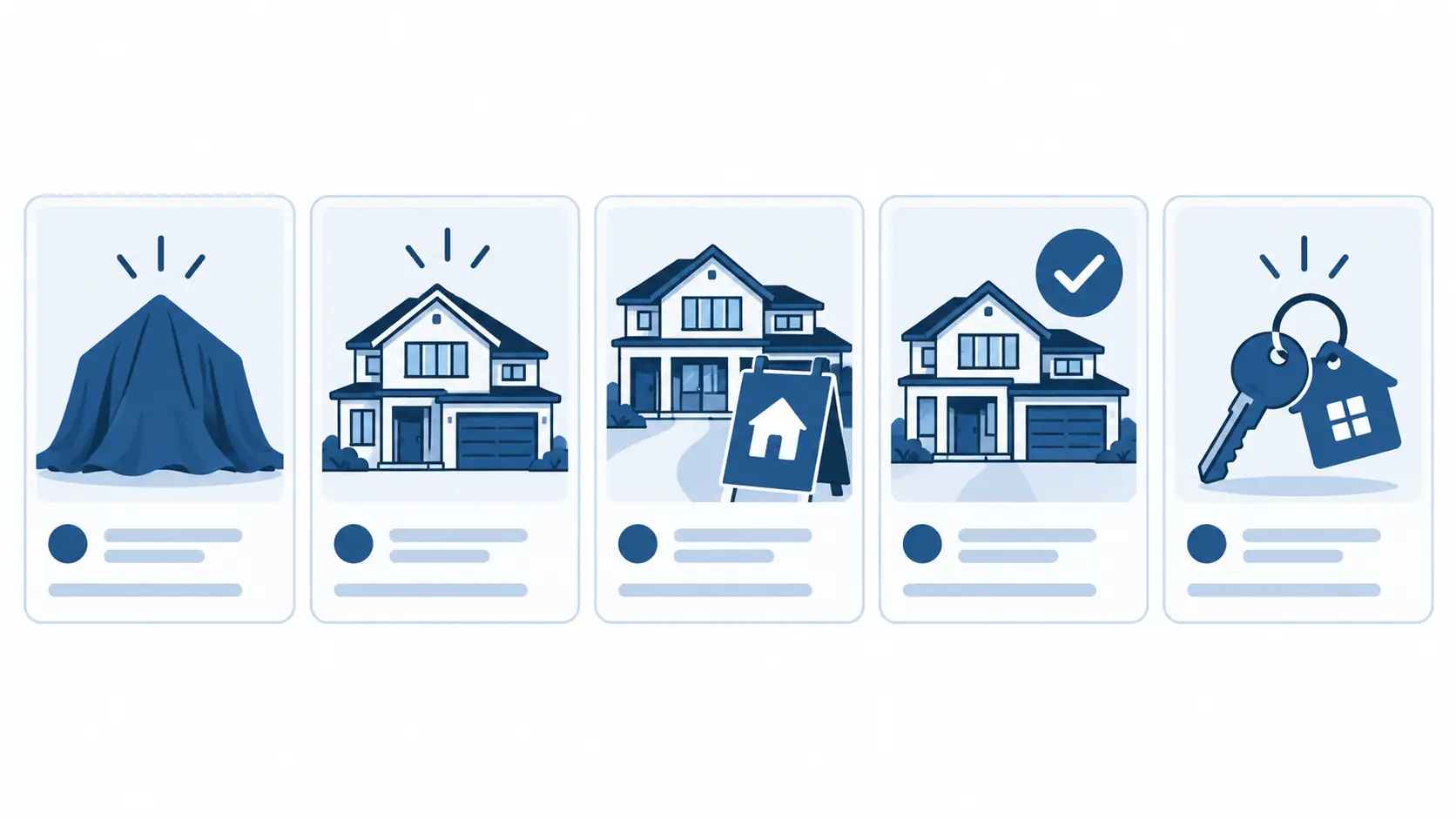
A coming-soon piece should create recognition without presenting unapproved or incomplete details as final. Use a property image or a detail that the seller and broker have cleared, add only confirmed information, and make the next update clear. If a public post could affect MLS timing or status, stop and check first. NAR's Clear Cooperation Policy covers public marketing and MLS submission; local MLS rules and seller options matter too.
The just-listed post has a different job. It should help a person understand what is available and where to find the full details. Use the approved lead photo, a short selection of verified features and a readable contact area. A story can carry the same facts in a more immediate format, while a flyer gives room for details someone may want to keep.
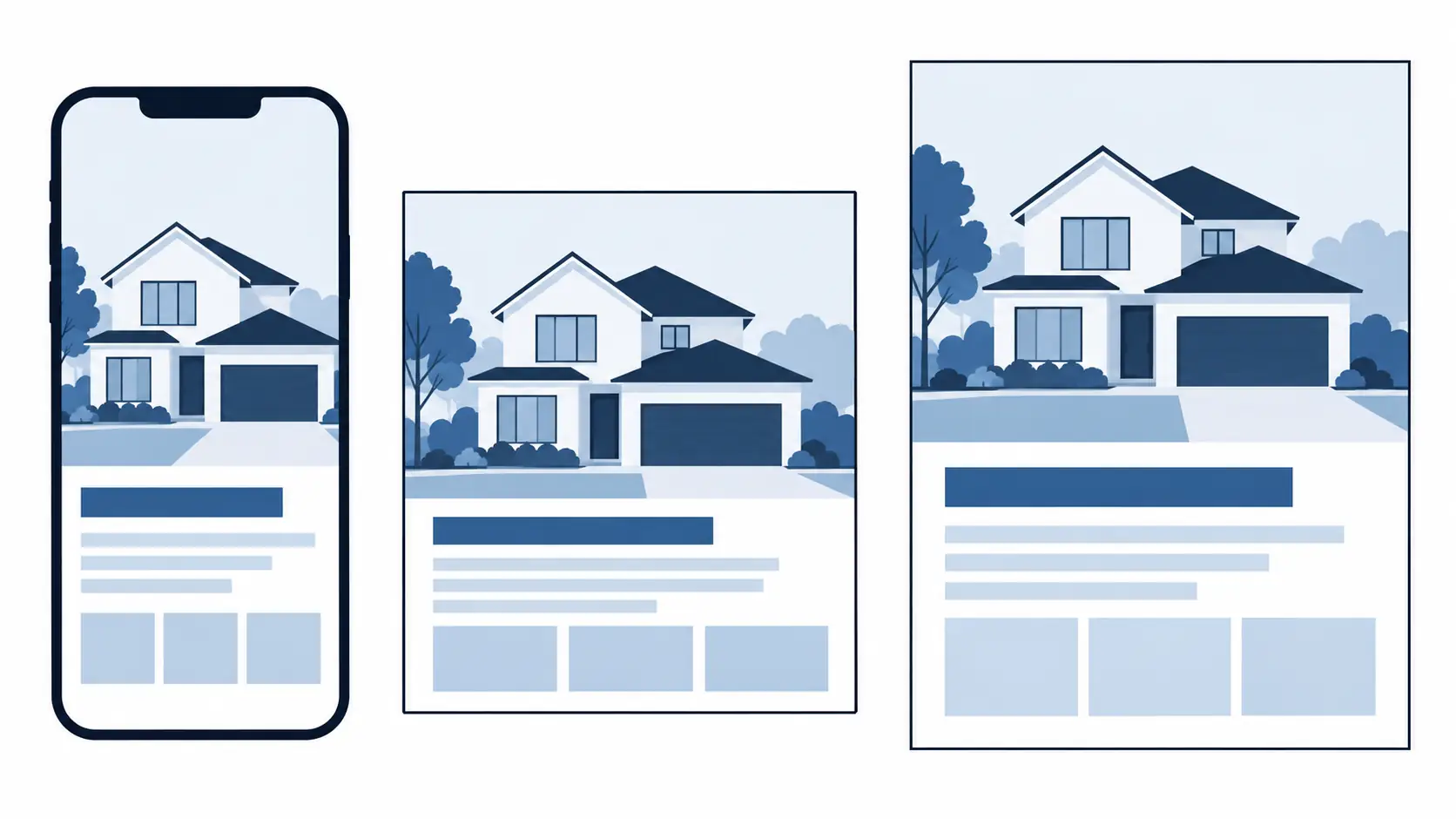
Do not force every property into one caption. A quiet apartment, a family home and a rural property need different facts and images. Keep the design familiar enough to identify your work, but let the listing details determine what gets emphasis. Before publishing, replace every bracketed field, remove unused copy and check the image crop on a phone.
Open house: make the practical details hard to miss
An open-house invitation works when a viewer can find the time, date and location at a glance. Put those details high in the layout. Add the property image and a small number of confirmed features only if there is space. The visitor should not have to search a caption or enlarge a crowded graphic to know when to arrive.
The post, story and printed flyer can share one visual direction, but each should fit its destination. A story needs a strong first frame and legible type on a narrow screen. A print flyer can include more detail and a route or entry note when appropriate. A directional sign has a separate purpose and may be subject to local placement rules, so check before ordering or setting one out.
Use the same fact-check pass for every version: correct property, correct date, correct time, working contact details and no leftover sample text. If the event changes, update the scheduled social item and the printed material that is still in circulation.
Under contract and sold: report only what is confirmed
Status updates should reflect the listing's actual status and the permissions you have. “Under contract,” “pending” and “sold” are not interchangeable labels in every market or workflow. Confirm the approved wording with the broker and seller before posting. Avoid implying a completed sale before closing or adding a claim about results that the facts do not support.
A just-sold post can close the public story. A postcard or newsletter item may reach people who do not follow the agent online. If you include a client name, image or personal detail, get the required permission first. A template standardizes the layout. You still need permission and confirmation of the transaction.
Keep the call to action modest: invite questions about the property or requests for information. Posting alone does not guarantee leads, offers or a sale. Treat visibility as a communication task.
Print pieces and brand pieces have different timelines
Some materials follow one listing. A flyer, open-house handout or seller checklist changes with the property or event. Others can be prepared once and reused across listings: business cards, a logo and a consistent contact area. Keep these two groups separate in your folder so a new listing does not send you back to rebuild the parts that rarely change.
For print, check the final size, margins, image quality and contact details before sending a file to a printer. A design that looks clear on a laptop can become difficult to read after it is reduced. For digital cards and social formats, check the crop and contrast on a phone. In both cases, remove placeholder details and use only photos and copy you are allowed to publish.
Housing advertising also deserves a content check. Describe the property and its features rather than suggesting which kinds of people should live there. HUD's guidance on advertising through digital platforms explains how fair-housing protections apply to housing ads. Ask your broker to review copy when you are unsure.
NAR's Multiple Listing Options for Sellers page outlines seller options that work alongside its Clear Cooperation Policy. Confirm how those options apply through your broker and local MLS.
What makes a template set useful after the first listing?
The set earns its place when it covers more than the launch announcement. The audience research records agents' strain from building flyers from scratch and trying to post continually. A repeatable checklist reduces that production work and gives each post a specific job.
Keep a small launch checklist with the template names and the facts each one needs. For example: confirm listing status, choose an approved image, prepare the just-listed post, update the flyer, then check the open-house details if an event is planned. When the listing moves to a new stage, return to the same checklist and update only what has changed.
Include useful material beyond listing announcements. A market update, home-maintenance tip, buying or selling tip, and engagement post can vary the calendar. Cite and date any market figures. Check general advice before presenting it as local guidance. Templates give you the format. The agent adds context that matters to local readers.
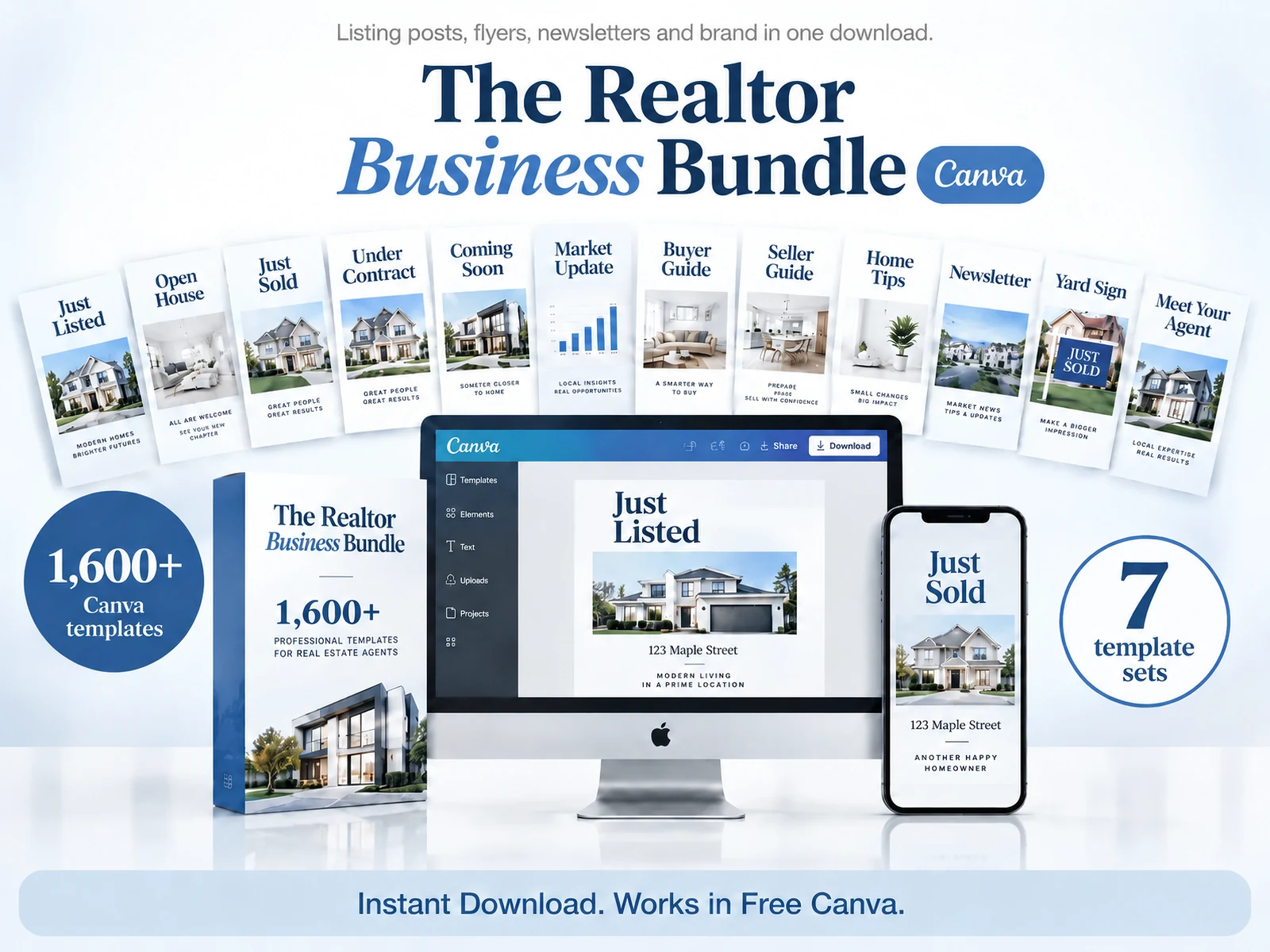
If you want a ready-made set of real estate marketing templates, compare its contents with the jobs you actually do. Look for the formats you need, the editing platform, the print pieces and the files that are part of the purchase. Do not pay for a large library just because the number is large.
Why trust this article?
This guide is published by The Realtor Listing Bundle by Cosmo Suite. Product details come from the approved contents record. The MLS and housing-advertising notes link to NAR and HUD sources, checked on October 28, 2026. Rules and seller options can differ by market, so confirm current requirements with your broker and local MLS. Read the site's editorial policy for how its articles are prepared and corrected.
Where The Realtor Listing Bundle fits
The Realtor Listing Bundle is a $9 one-time download with 1,600+ Canva templates and four colour versions. The Realtor Social Media Library has 1,000+ social pages. The Realtor Print Collection has 400+ pages, including open-house flyers, newsletters, postcards, local-guide flyers and a pre-listing checklist. The Realtor Brand Identity Set includes digital and print business cards and pre-made logos. The bundle also includes yard signs, presentations and client guides.
That range can help an agent keep listing pieces and recurring brand materials in one place. It does not write property facts, check MLS status, secure image permissions or guarantee leads. You still need to choose the right piece for the moment and verify the details before you publish or print.
If you are comparing formats for your next listing, review the real estate templates for posts, print and brand materials and check the current contents and download details. Compare the contents with the work you do each week.
Frequently asked questions
What marketing materials does one real estate listing need?
It depends on the property and your brokerage. You may need a launch post, open-house flyer, status update and closing post, plus a story, sign or seller checklist. Confirm which pieces apply and check local rules before using them.
What should a real estate marketing template include?
Start with the property photo, verified details, contact information and next step for the reader. Check every placeholder and claim before you publish or print.
Should I use the same design for every listing post?
Keep one visual system, then change the format and message to fit each moment. A teaser, open-house invite and sold update need different information. Reusing one graphic for all three can blur the listing's progress.
Can I advertise a listing before it appears in the MLS?
Check with your broker and local MLS before public marketing. NAR's Clear Cooperation Policy describes a one-business-day submission rule after public marketing. Seller options and local rules can affect how it applies, so do not assume a social post is exempt.
How do I make real estate marketing feel local?
Use property details and place-based information you can verify, such as a nearby public amenity or a local market figure with its source and date. Avoid copy that suggests who belongs in a neighborhood, and review housing advertising requirements.
How much does The Realtor Listing Bundle cost?
The Realtor Listing Bundle costs $9 once. It includes 1,600+ Canva templates, four colour versions and instant download. Review the product page for current contents and access details.